What's new in iMazing 3?
Updated on Mar 9, 2026
Reading time ~2 minutes
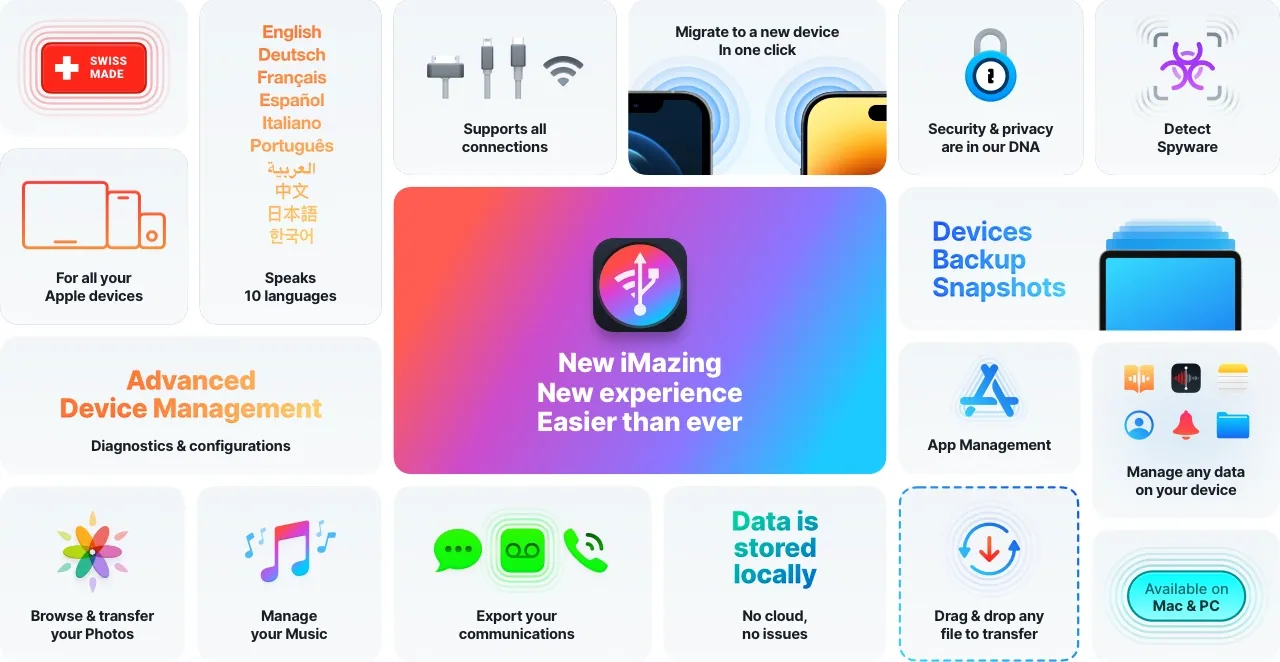
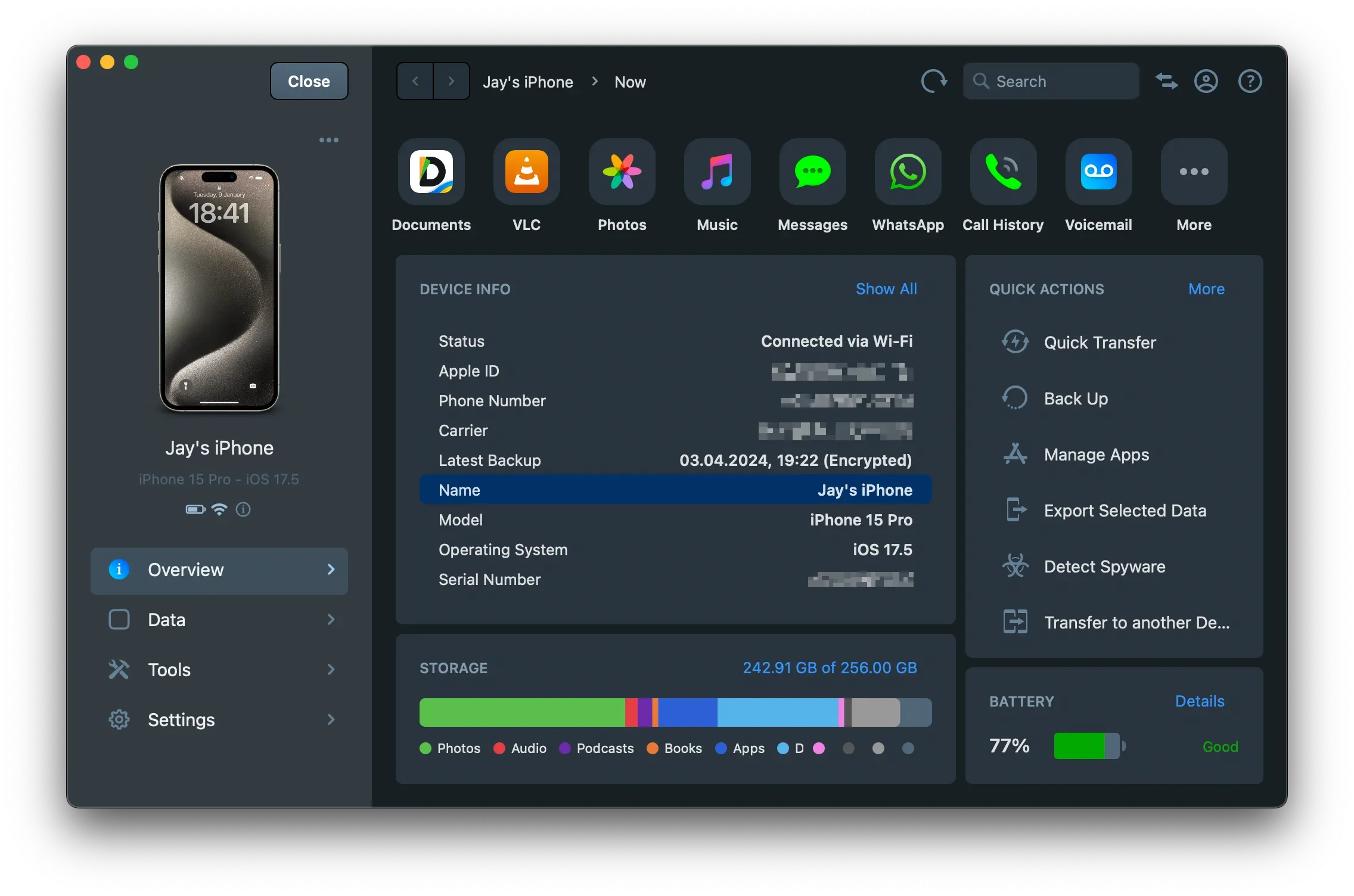
Welcome to iMazing 3! We're excited to introduce our redesigned interface, along with many other improvements and new features.
If you're transitioning from iMazing 1 or 2, you'll notice numerous changes beyond the colorful interface refresh. Please head to the dedicated page to learn what's new and what's been improved.
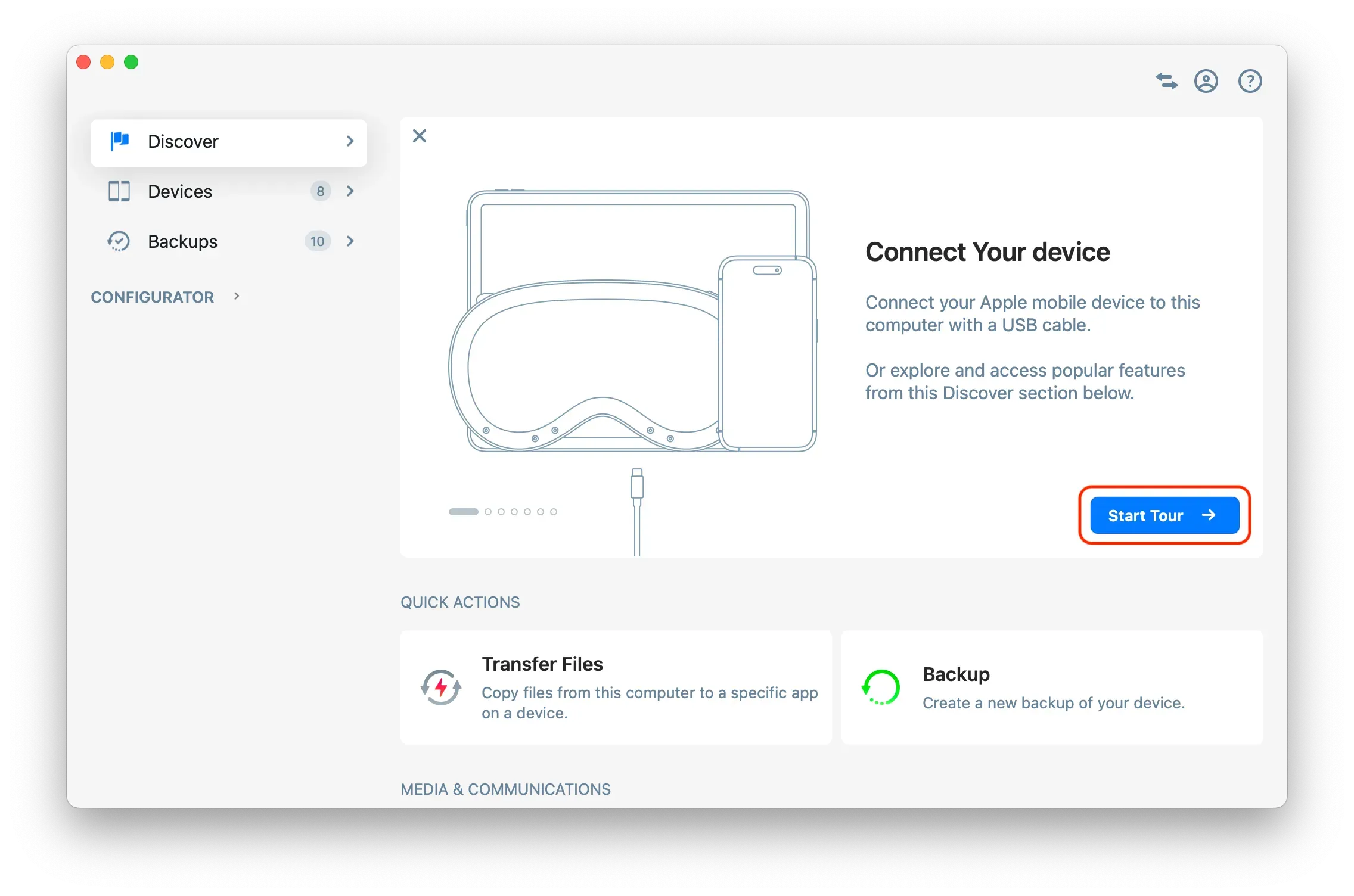
Discover iMazing 3 ➜ You can also use the in-app guided tour to quickly learn about main changes.
Reorganization of the iMazing Interface and Main Changes
For a more detailed guide on iMazing 3's interface, please refer to: Learn iMazing's 3 interface
Important Changes in iMazing 3
- Backup Archives have been renamed Backup Snapshots
- Old Backups have been renamed Archived Backups
Home Screen
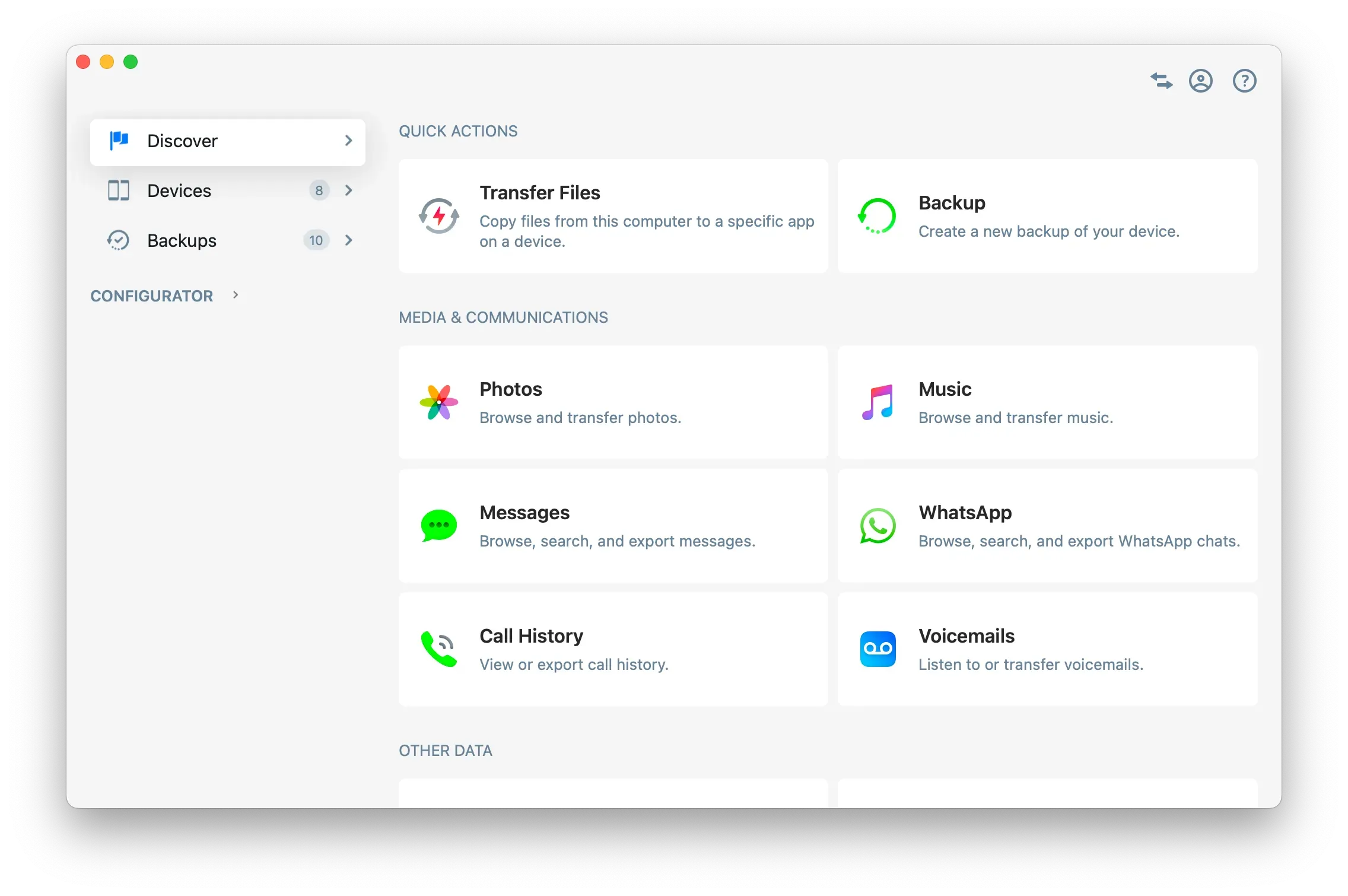
Discover
Explore iMazing's features. You can also use the in-app guided tour to quickly learn about main changes.
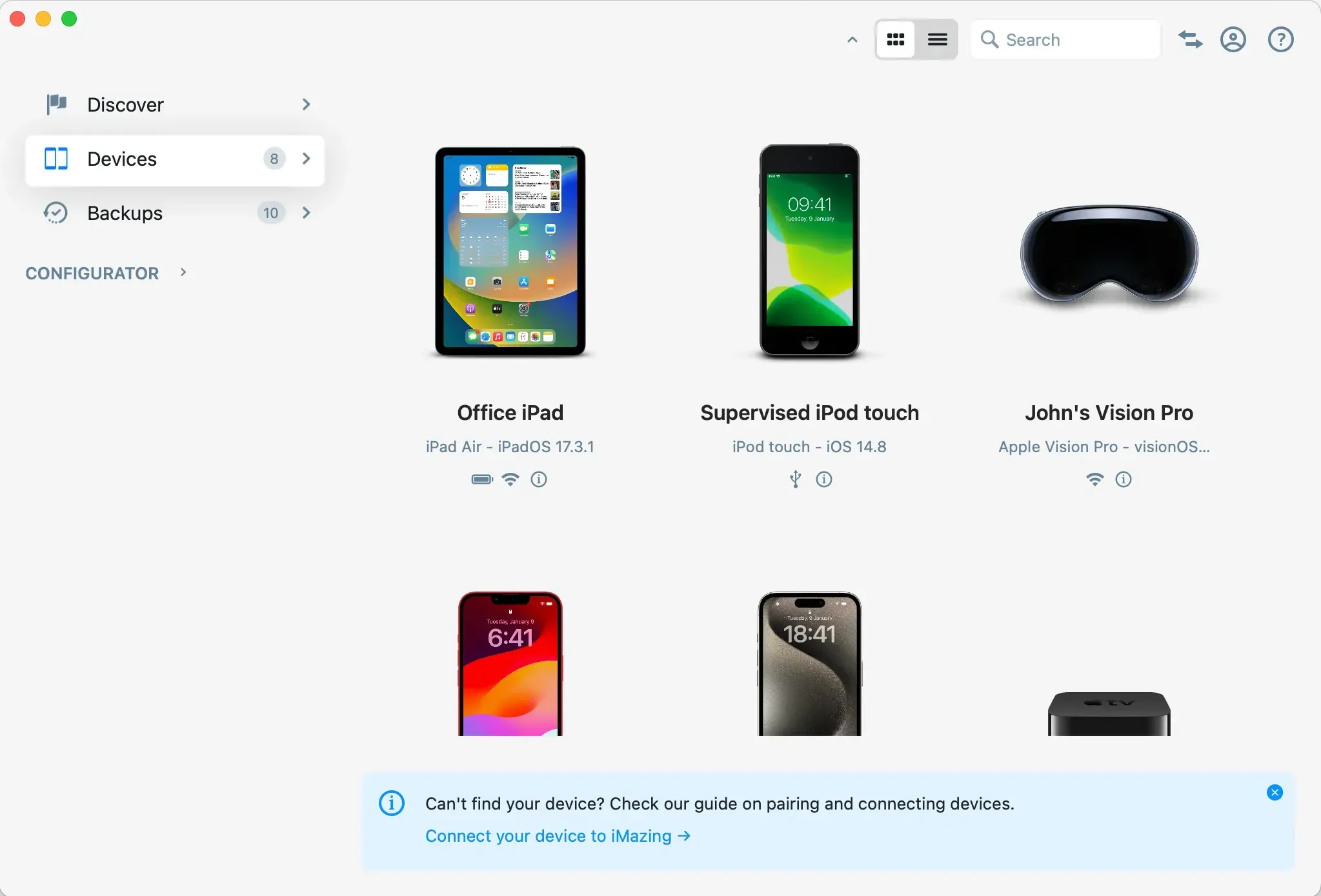
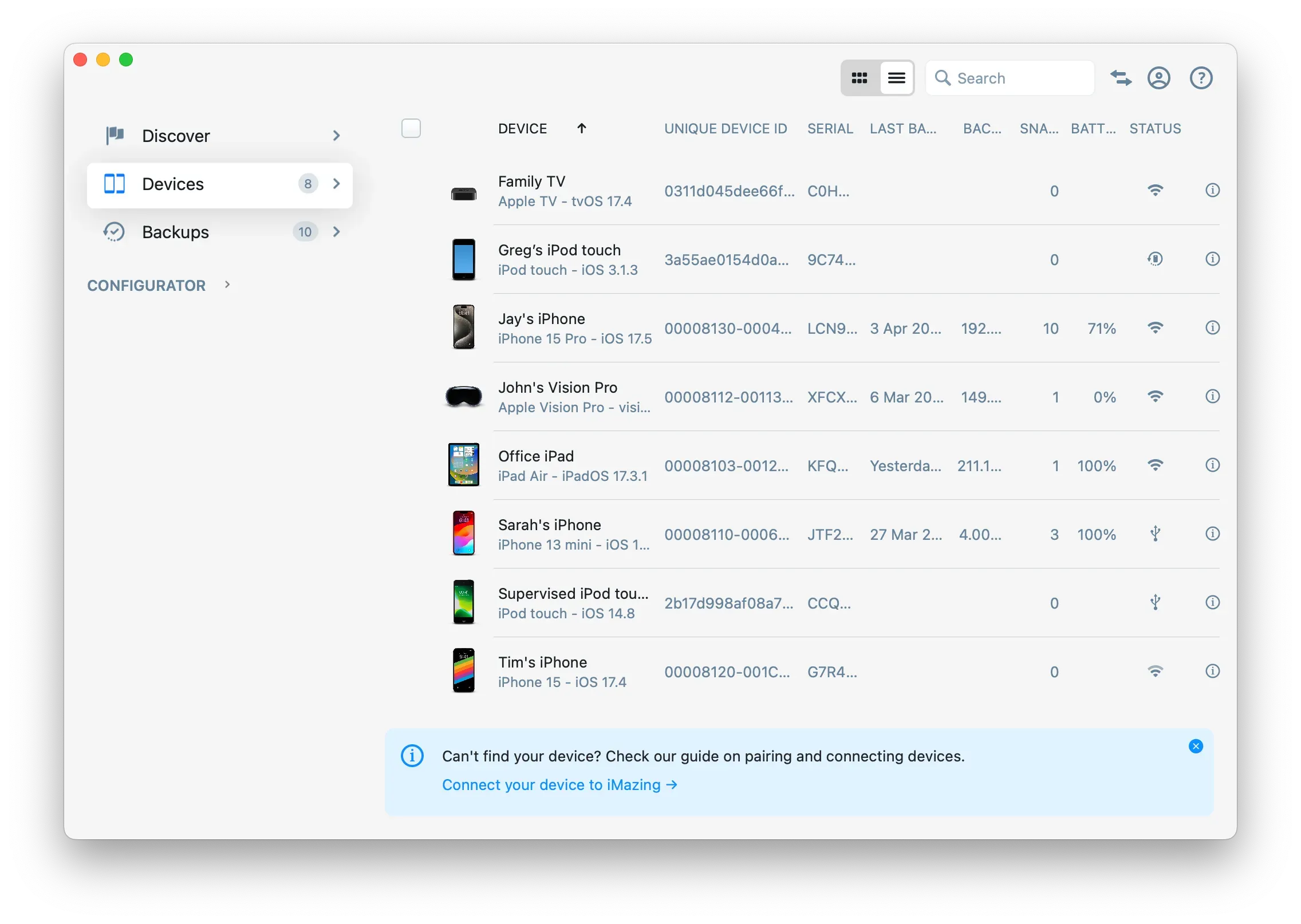
Devices
Manage all Apple mobile devices in one place.
Grid View
List View
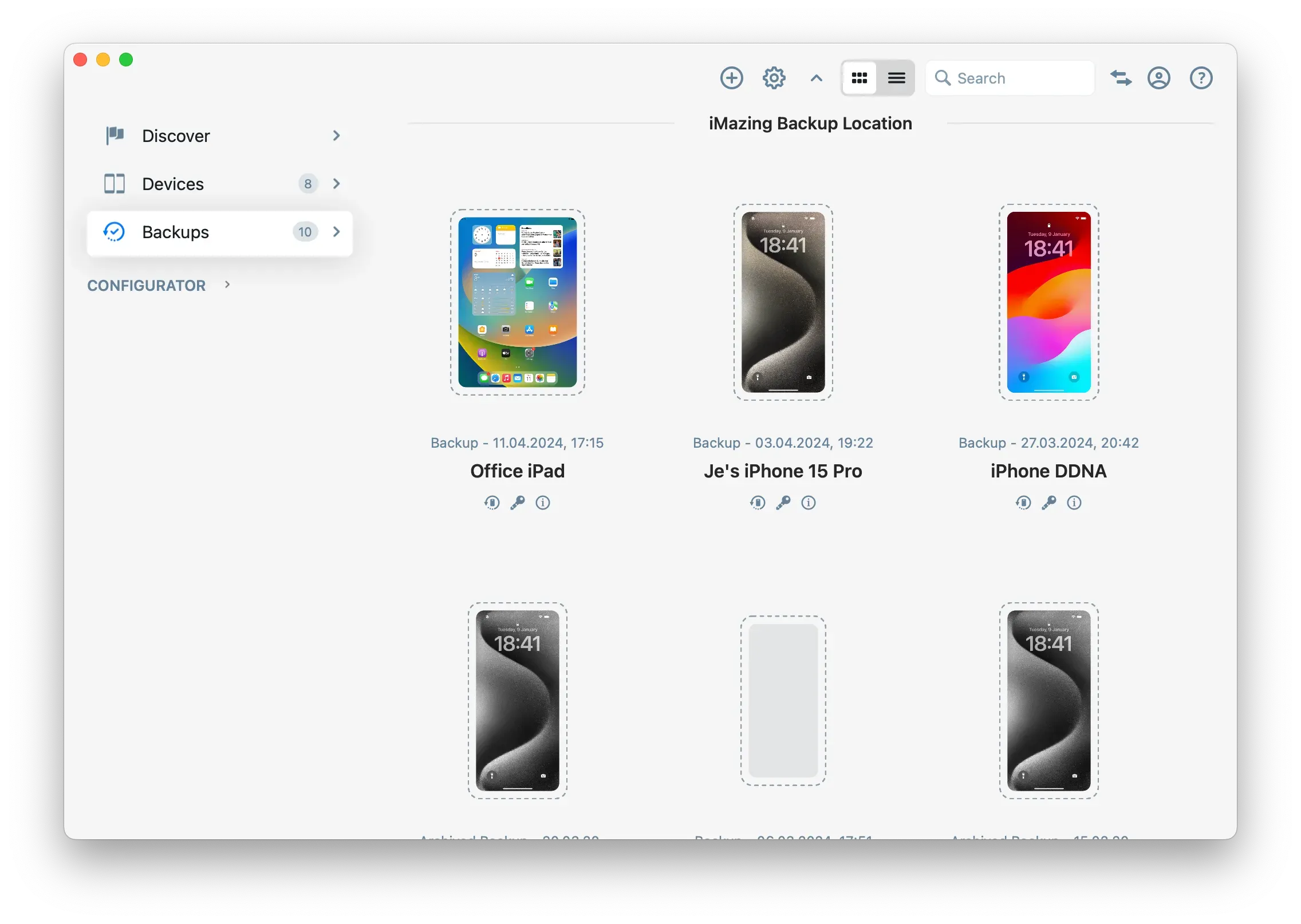
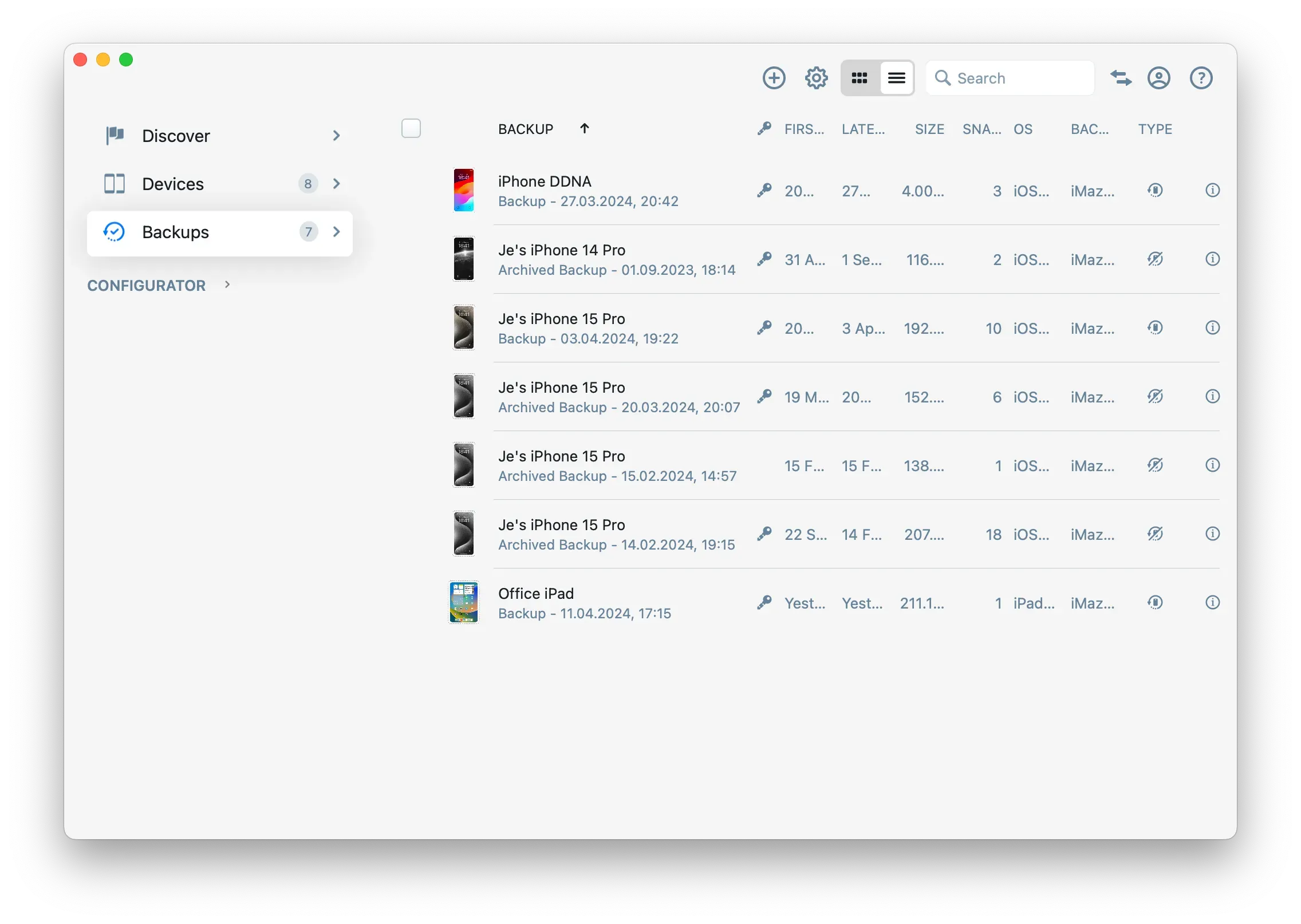
Backups
Manage backup snapshots and archives.
Grid View
List View
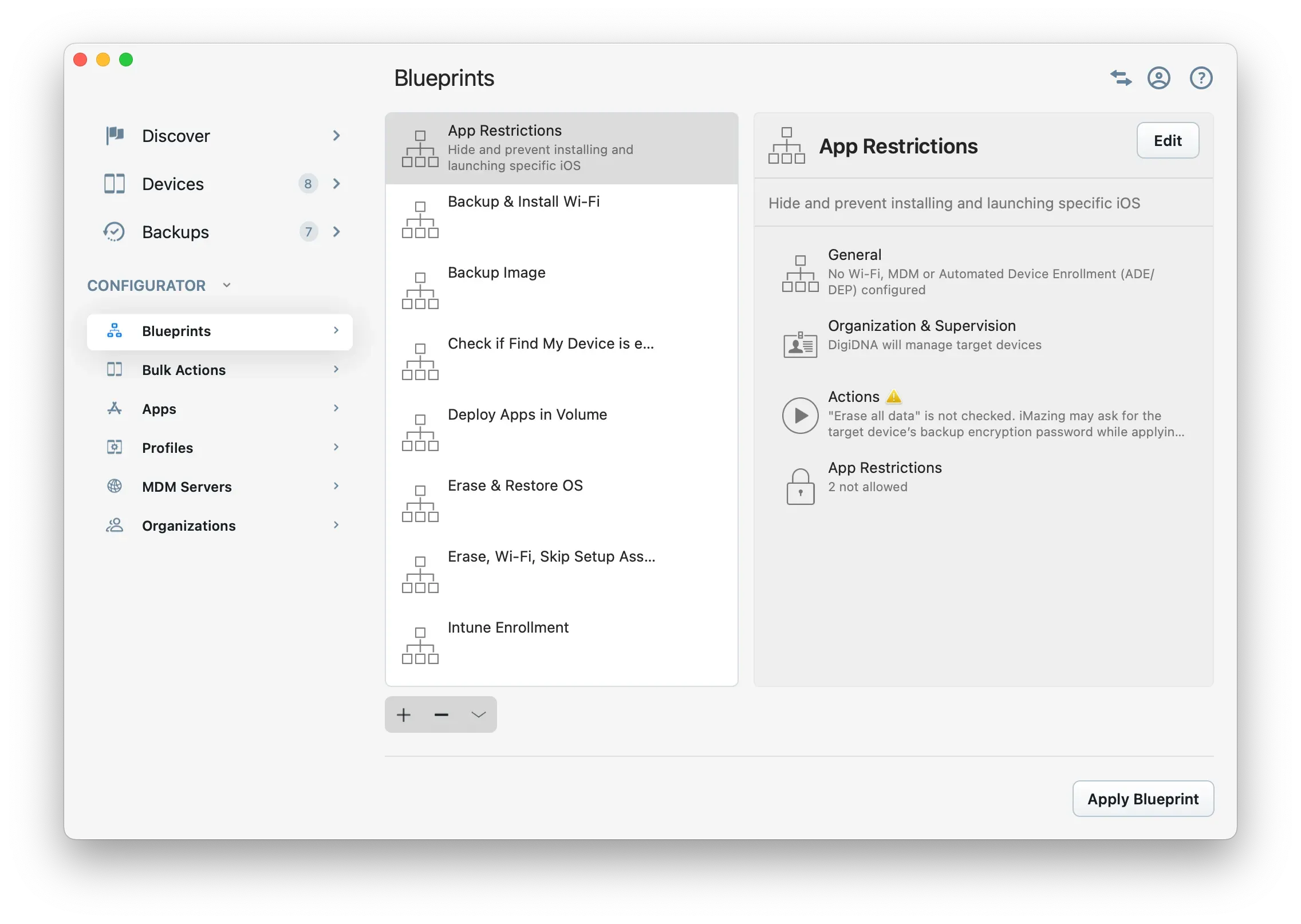
Configurator (macOS)
Advanced management tools for Apple mobile devices.
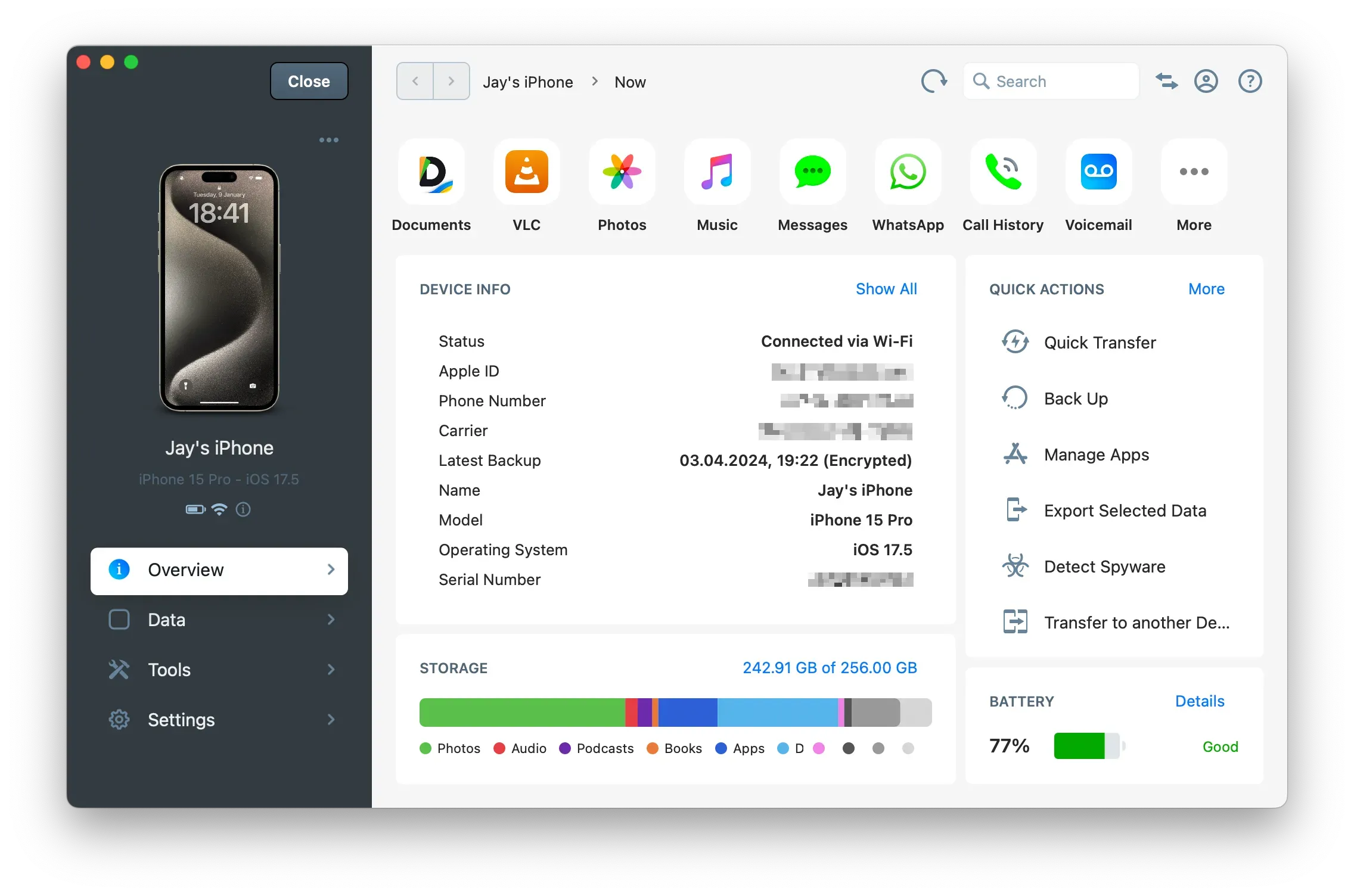
Device View
Overview
Access detailed device information and actions.
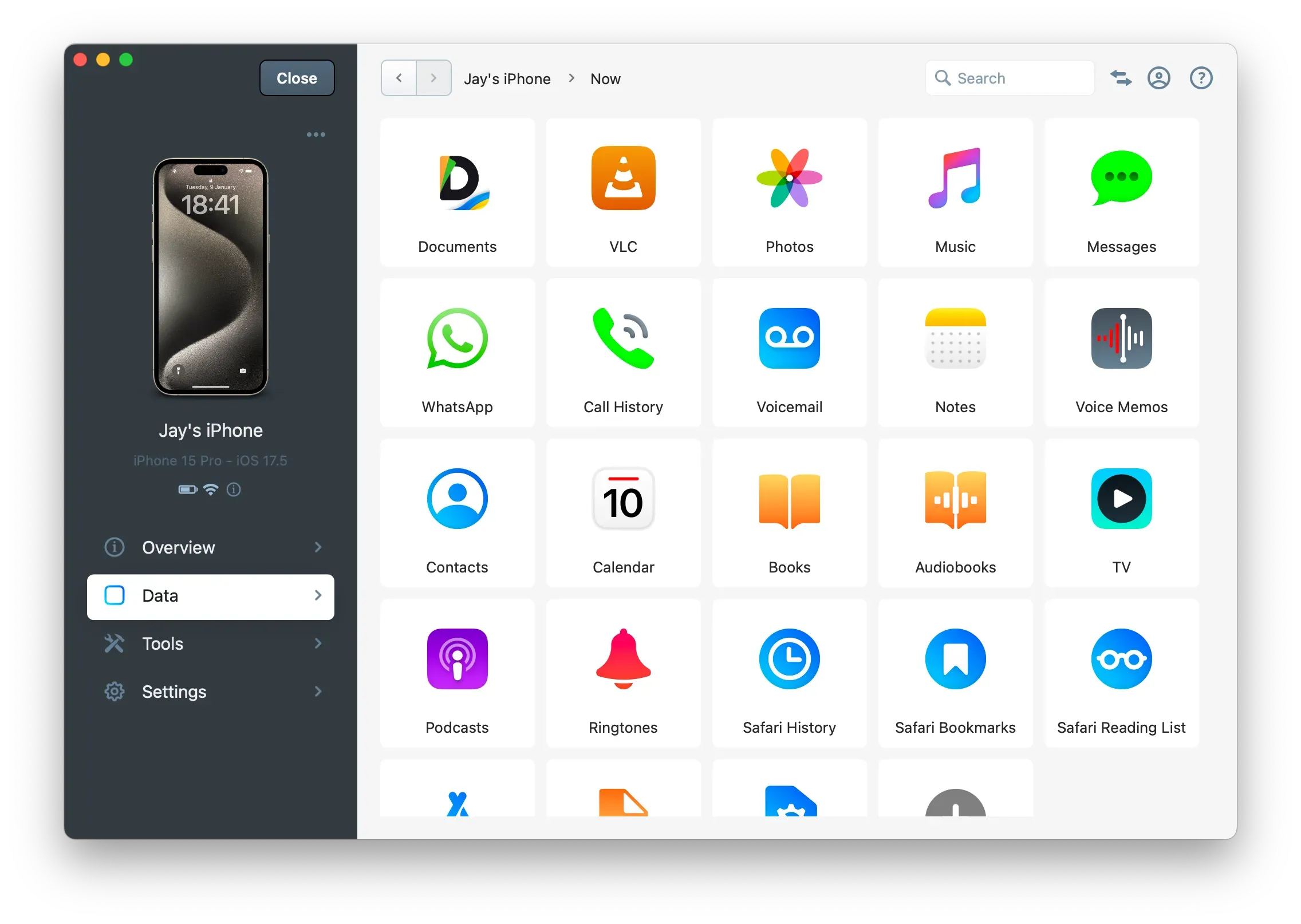
Data
Transfer content like messages, photos, music, call history, contacts and more.
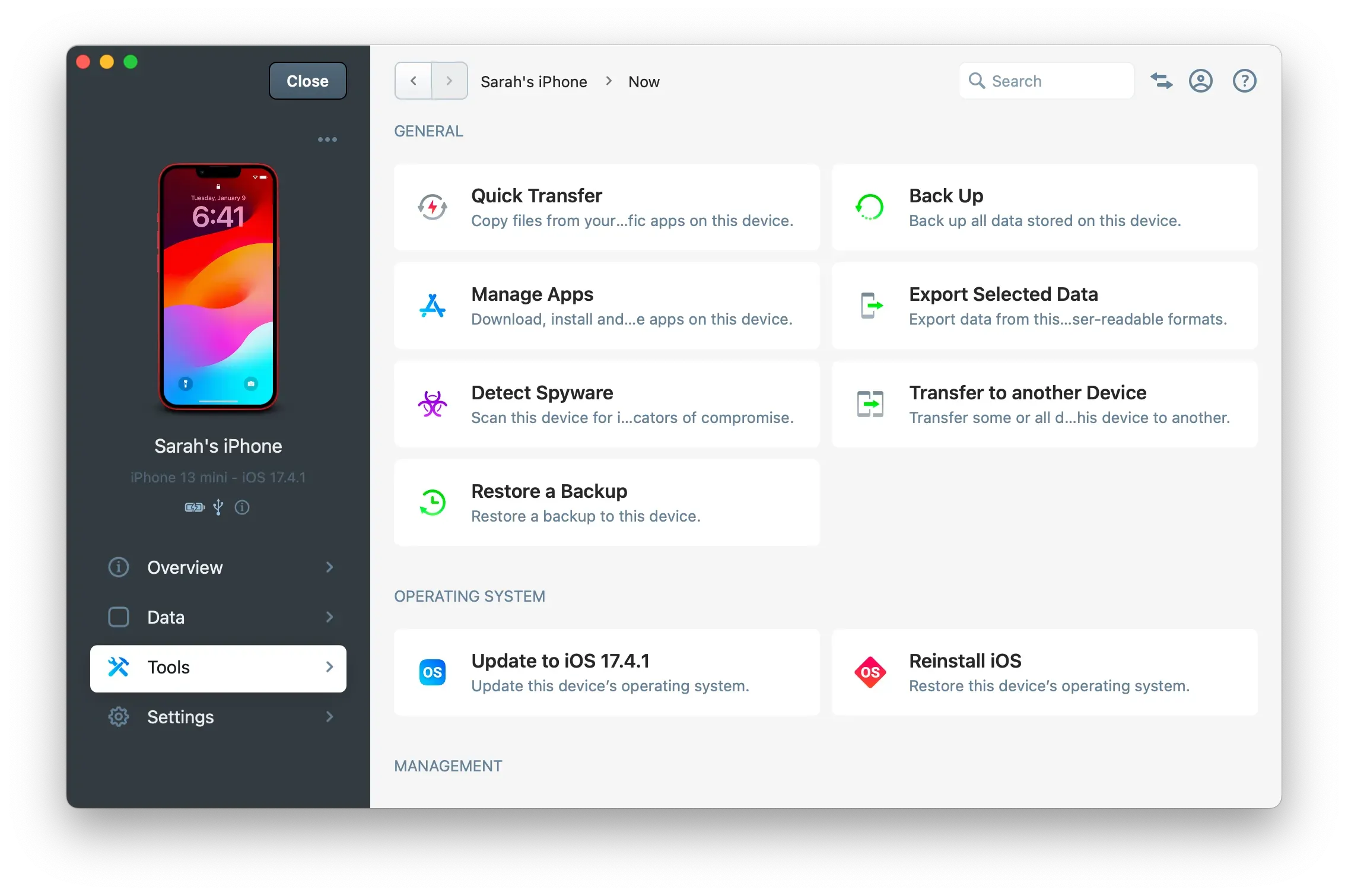
Tools
Use iMazing's tools for file transfer, backup, app management, spyware detection, device transfer, updates, log export, and more.
Settings
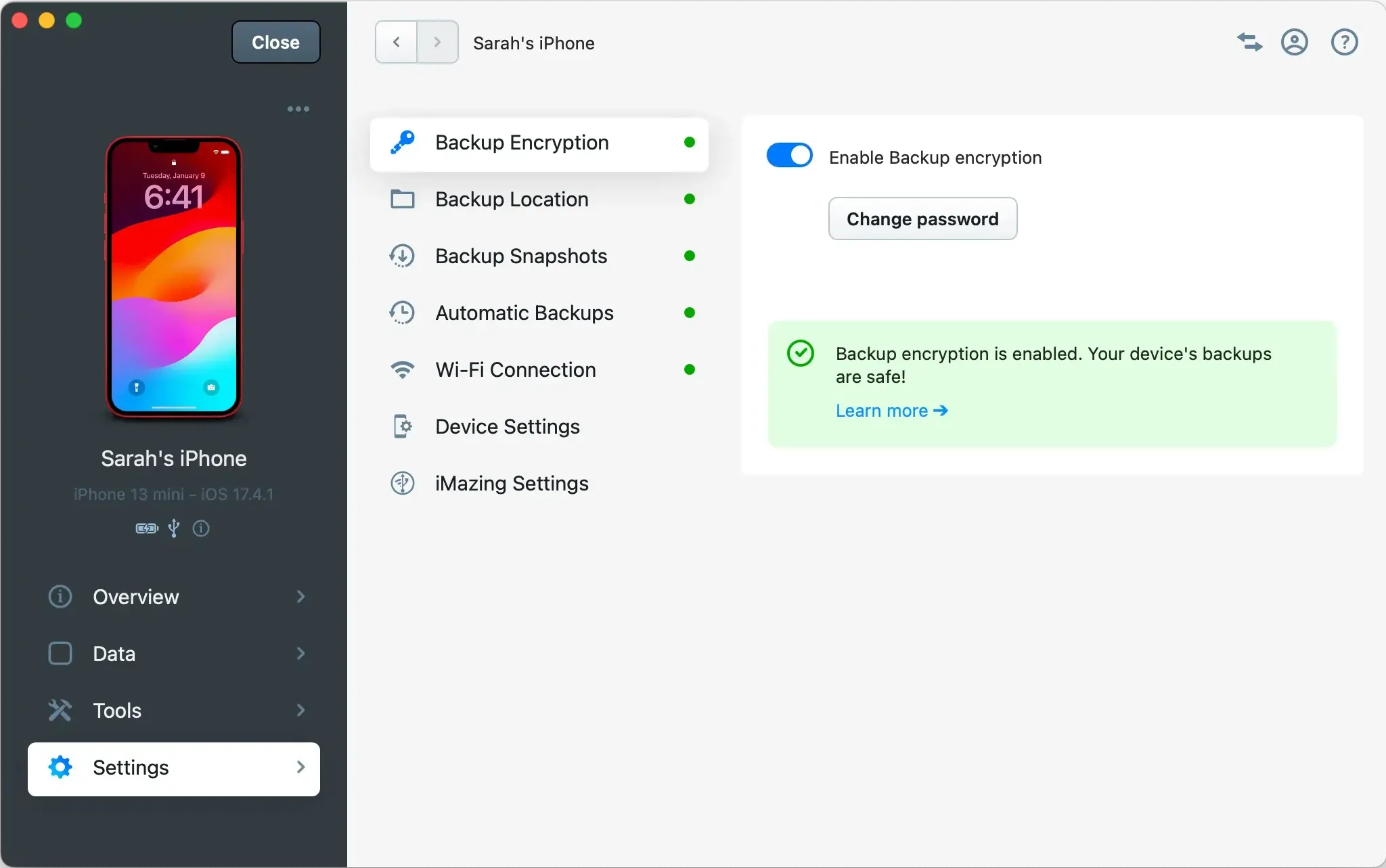
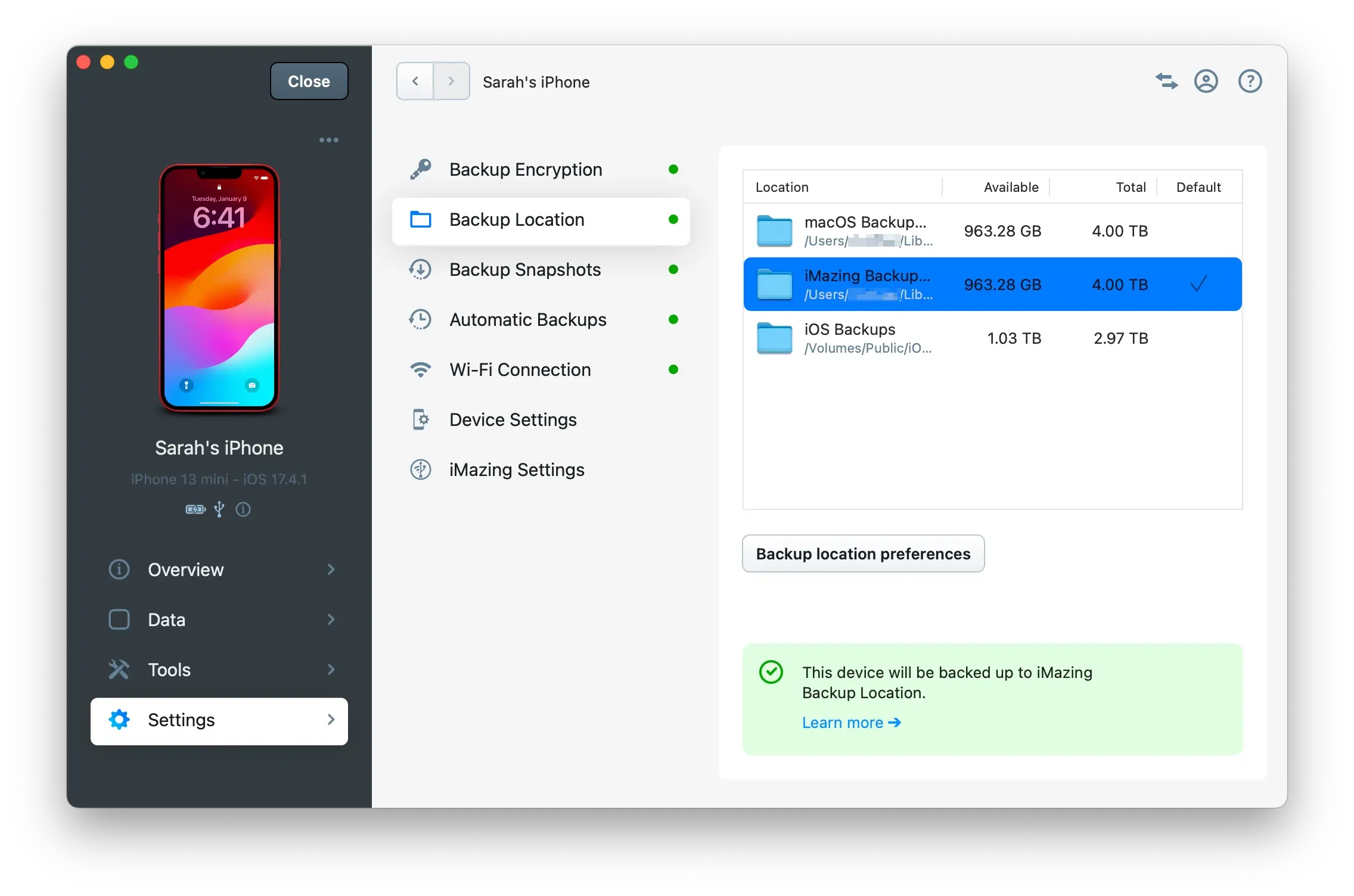
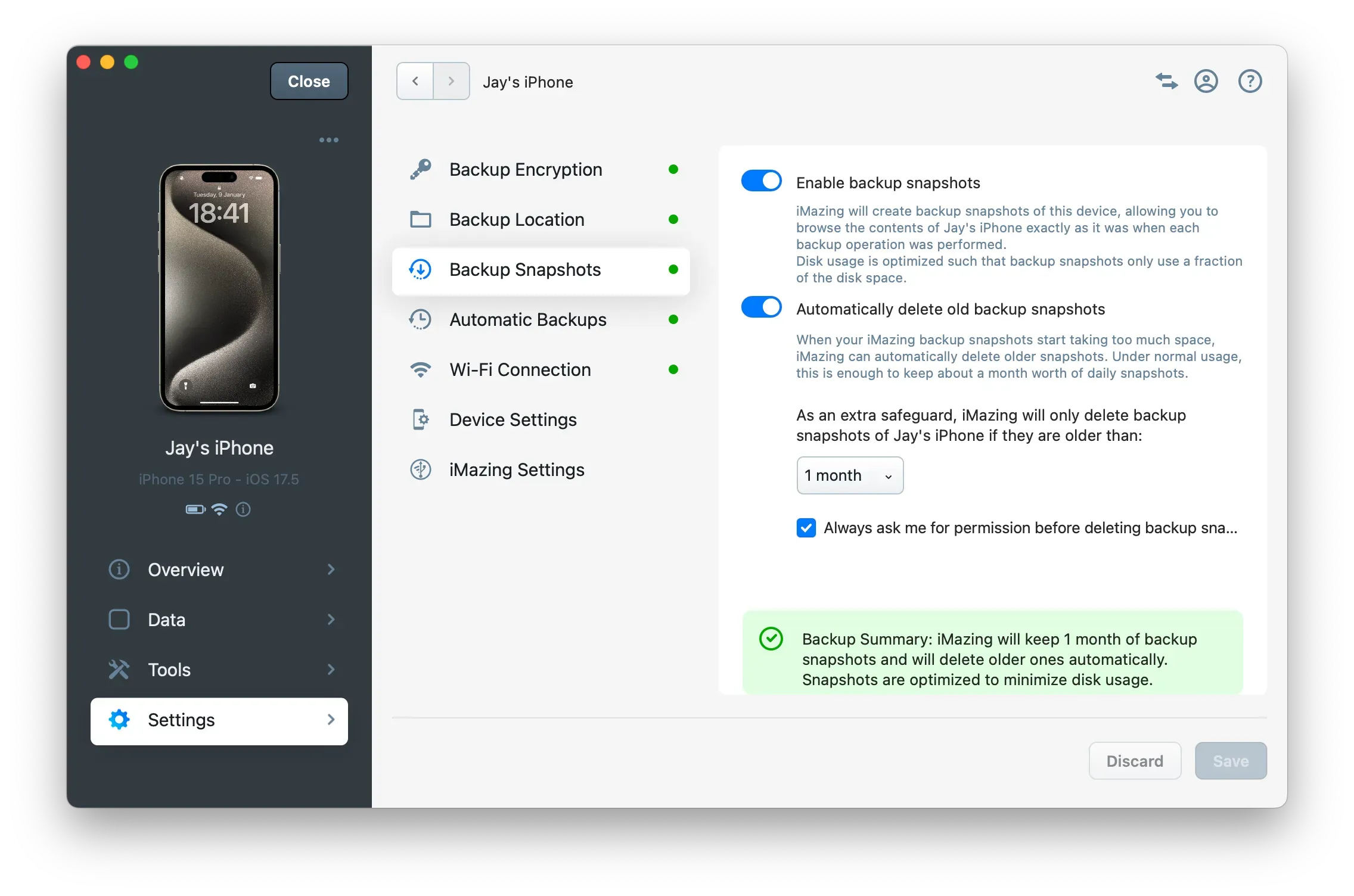
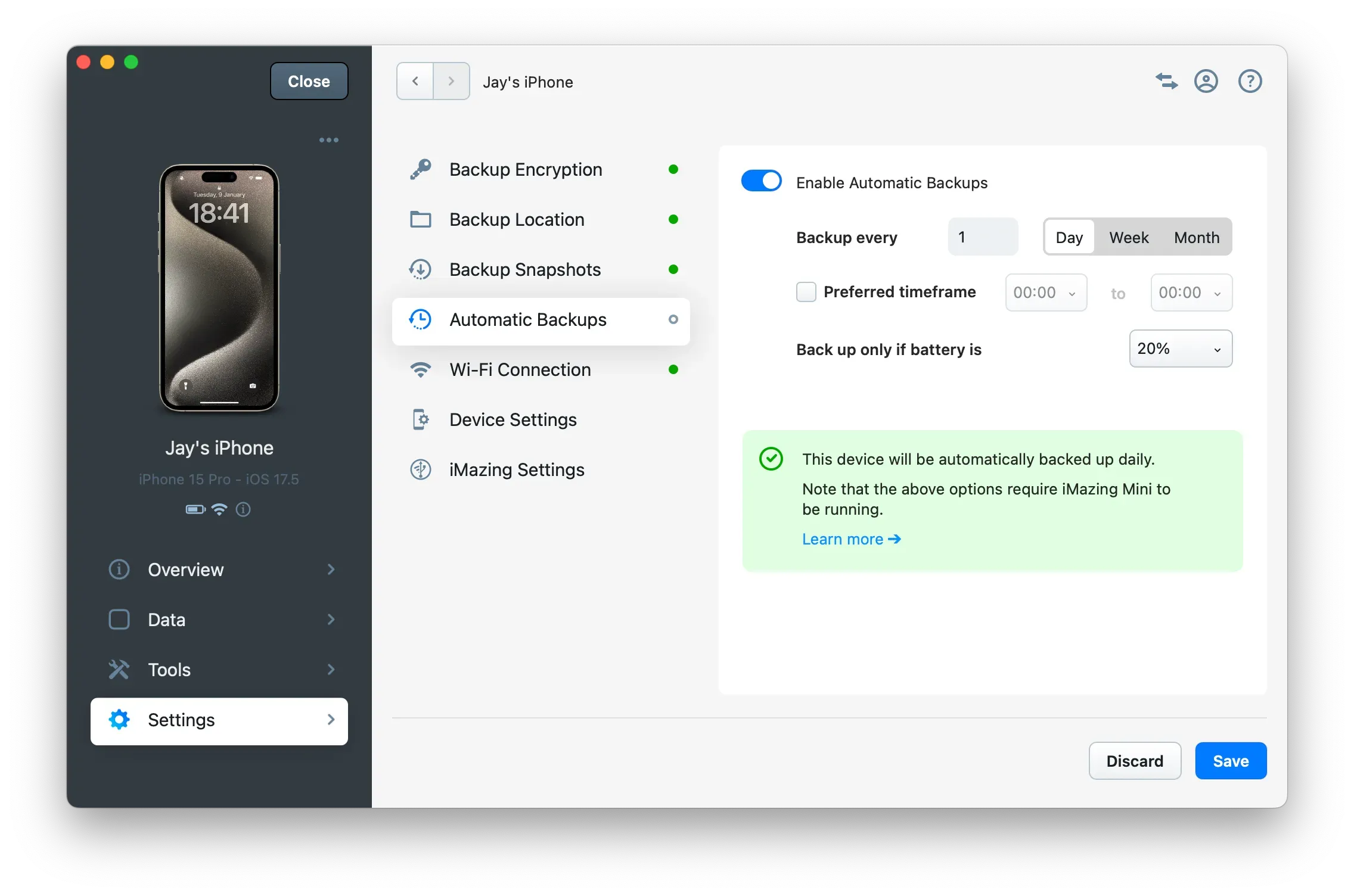
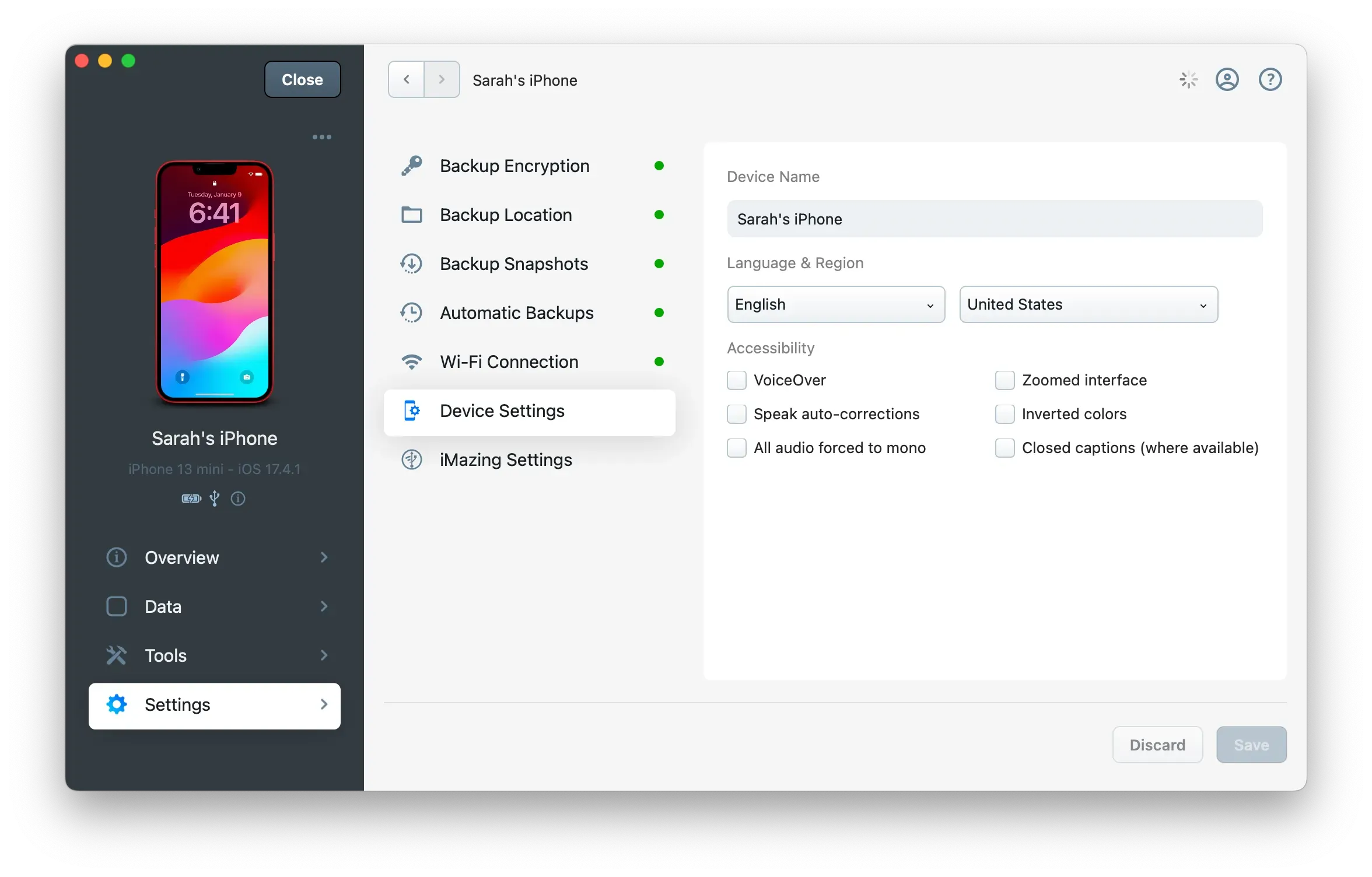
Set backup and device settings, schedule automatic backups.
Backup Encryption
Backup Location
Backup Snapshots
Automatic Backups
Manage Device Settings
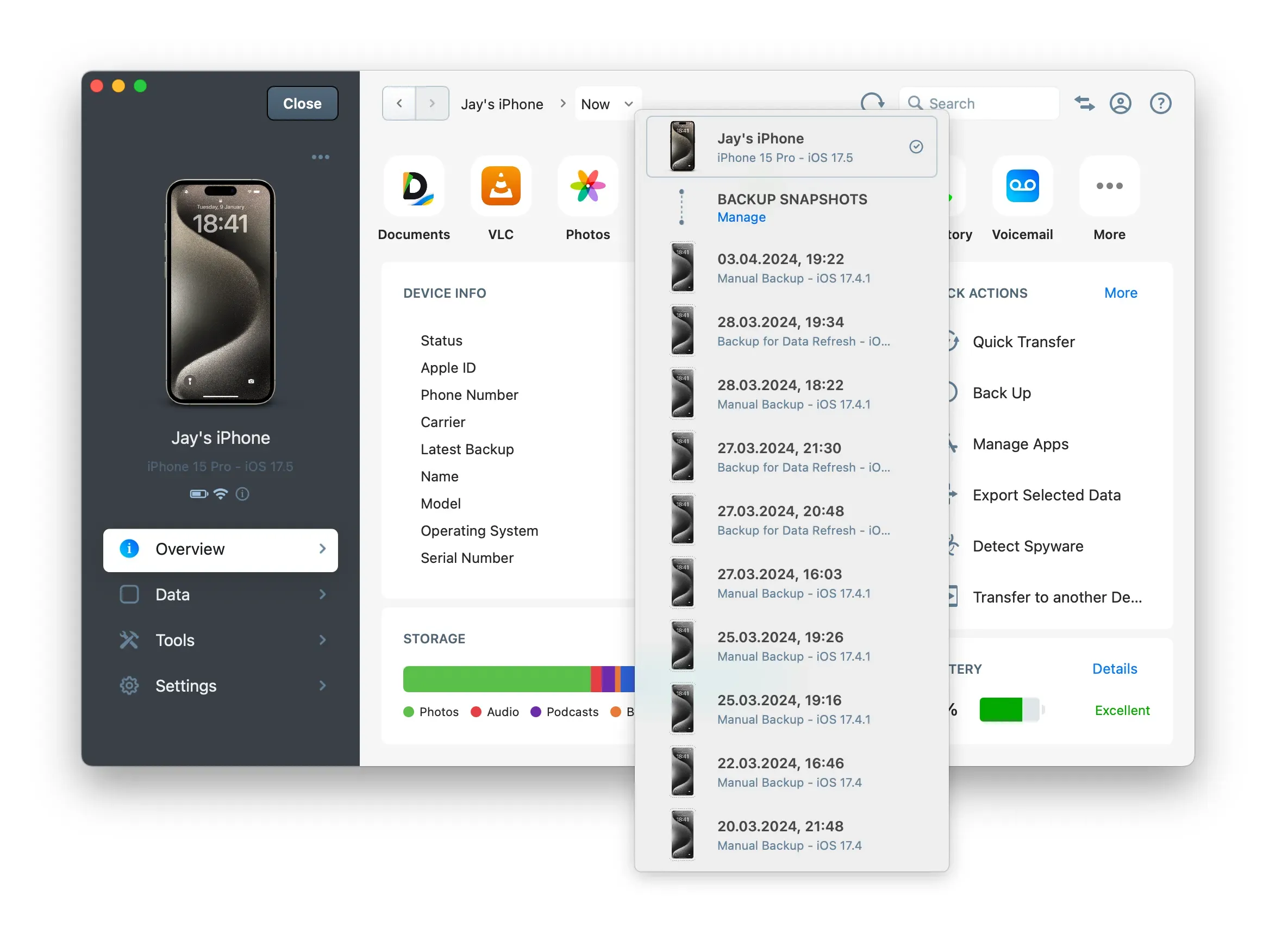
Device Backup Snapshots
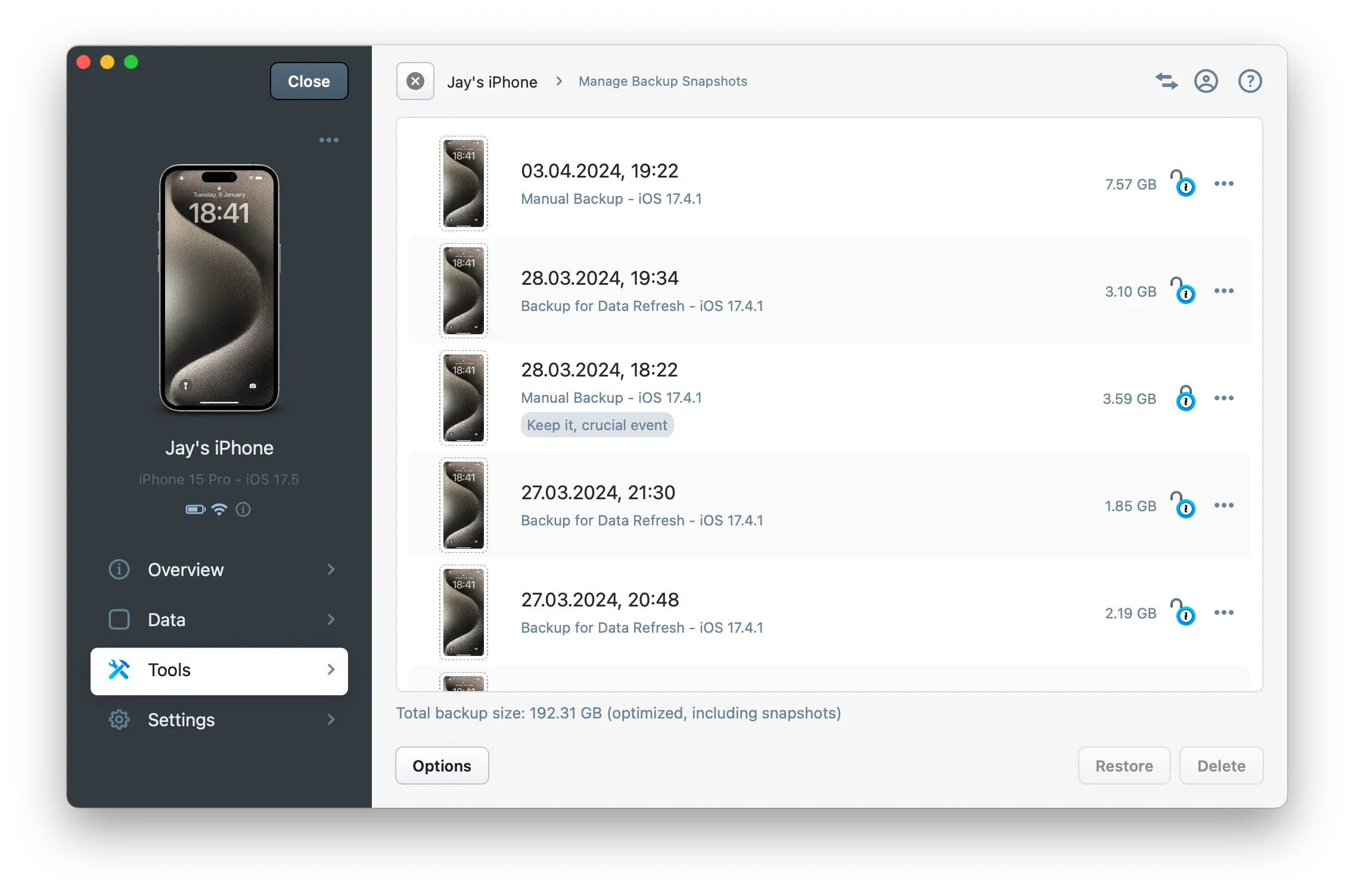
Manage your device's backup snapshots.
Click on a snapshot to view your device's past state or to export data from it.
Manage Backup Snapshots
Operation Panel
Monitor and review the status and progress of any operations iMazing is performing from the Operations panel.

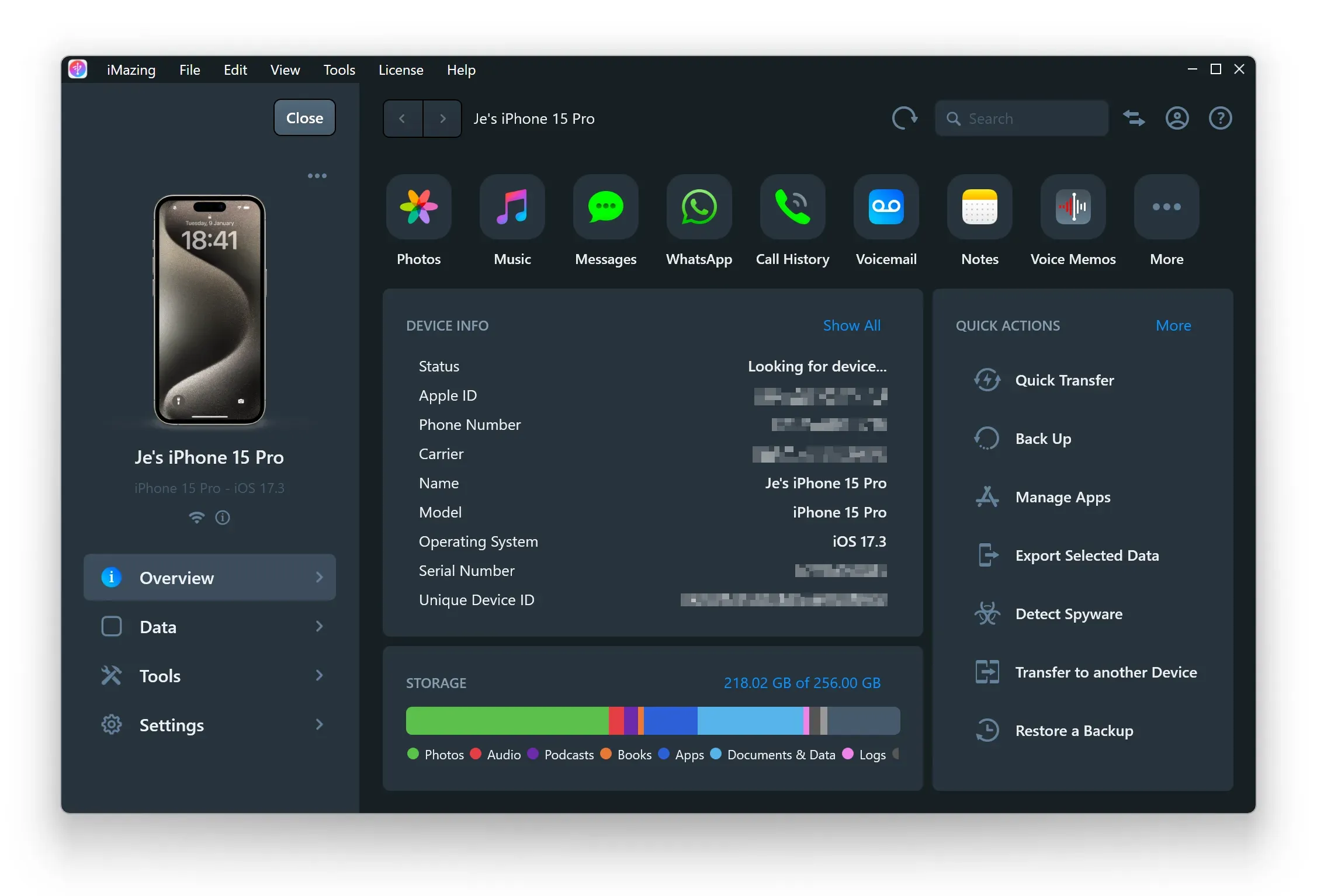
Dark and Light Mode on Windows and macOS
Dark mode is now available on both Windows and macOS.
Windows
macOS